CodeLens
Terminal & desktop text search

Find the exact line,
every time.

CodeLens is a precision line & symbol search tool for any text file — a self-contained terminal app and a glassy desktop app, sharing one search engine. Built to avoid the spacing bugs, missing line numbers, and stale caching of an editor's Find box.

> python CodeLensCLI.py > python CodeLens.py

Download for Windows

CodeLens.py — Results
11import sys
18class FileState:
1960def main():
1971  win.show()
Downloads

Every release, and what's in it.

No Python install required — the Windows installer bundles both editions, Explorer integration, and an uninstaller. Prefer source? See Requirements below.

v2.0.0 Latest Stability release — fixes real UI freezes/"Not Responding" during large folder loads and view switching (Context/Grid/Group By), adds a global loading overlay with cancellable folder scans, a "Hide unsupported files" setting, and Ctrl+1/2/3 search-mode shortcuts.
Download
v1.3.3 Fixes Windows Defender/SmartScreen blocking the installer outright — rebuilt behind NSIS's widely-trusted installer stub instead of a raw, low-reputation PyInstaller bootloader, and no longer self-extracts its payload to %TEMP% on every launch.
Download
v1.3.2 The same installer fix as v1.3.3, but shipped as a zipped folder rather than a single exe — superseded, kept here for reference.
Download
v1.3.1 Fixes the desktop app's "New Set" dialog appearing frozen — bad transparent-window compositing, a stale mouse grab stealing clicks, and missing per-monitor DPI awareness on scaled displays.
Download
v1.3.0 Incremental release — see the full changelog.
Download
v1.2.0 Incremental release — see the full changelog.
Download
v1.1.0 Repo cleanup following the first public release — removed a stray scratch asset that had been committed by mistake.
Download
v1.0.0 First public release of CodeLens.
Download
v2.0.0 Latest Full source tree at this tag — both editions, installer wizard, icons, and the NSIS/PyInstaller build scripts.
Download
v1.3.3 Source tree at this tag.
Download
v1.3.2 Source tree at this tag.
Download
v1.3.1 Source tree at this tag.
Download
v1.3.0 Source tree at this tag.
Download
v1.2.0 Source tree at this tag.
Download
v1.1.0 Source tree at this tag.
Download
v1.0.0 Source tree of the first public release.
Download
The real app

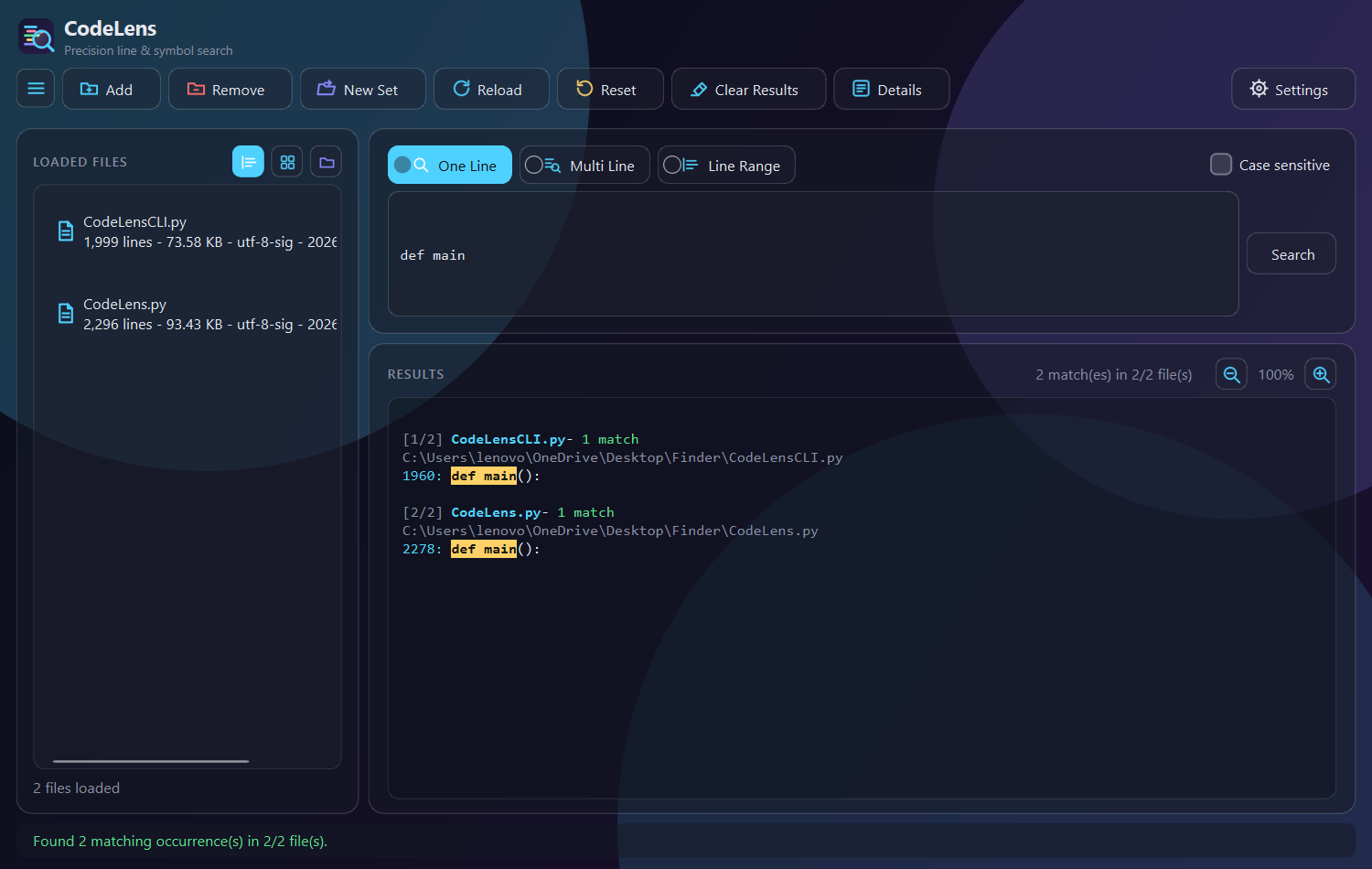
Not a mockup. This is the actual window.

CodeLens — 4 files loaded
CodeLens.py
CodeLensCLI.py
shortcuts.json
README.md
Found 5 match(es) in 1/4 file(s)
2117def on_reload(self):
2119def on_search(self):
2124  mode = self._mode_value()
2153def _search_one_line(self):
2172def _search_multi_line(self):
See it in action

Two flows, animated.

Illustrative walkthroughs of the two things you'll do most — searching, and trusting that what you see is never stale.

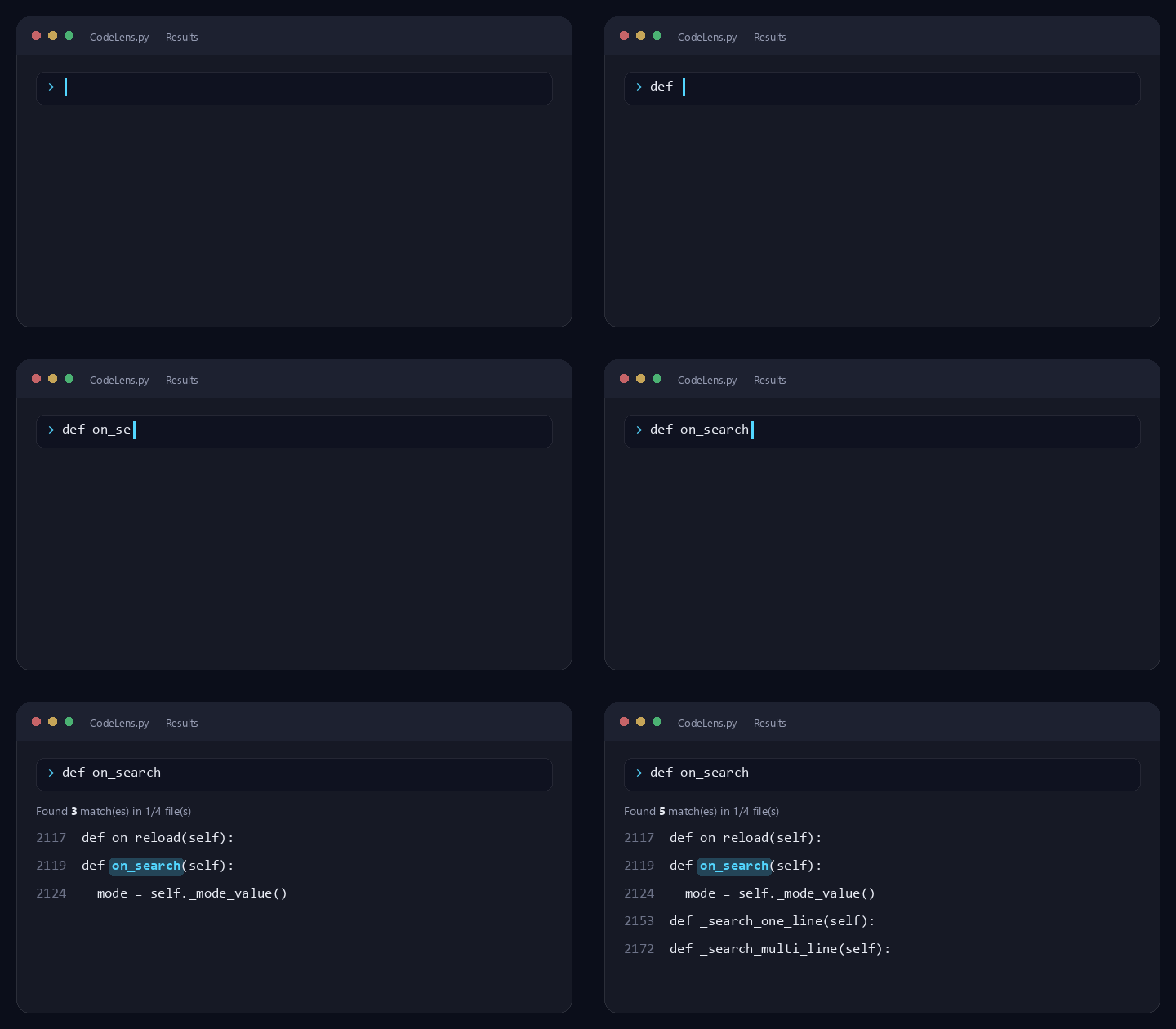
Animated demo: typing a search query and matching results appearing, highlighted

Search, instantly

Type a query, get grouped, highlighted matches with line numbers as you go.

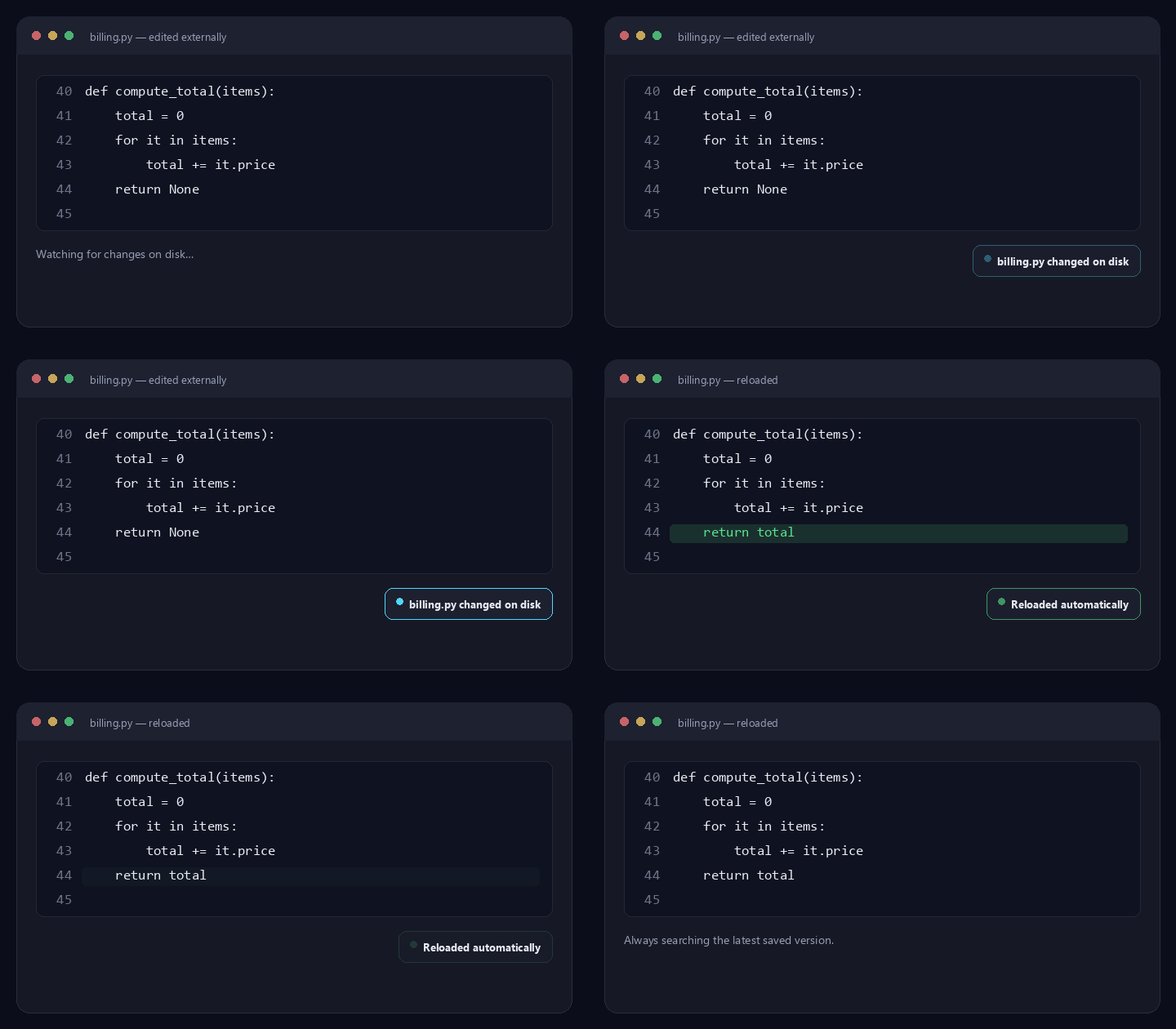
Animated demo: a file changing on disk and CodeLens auto-reloading it before the next search

Never search a stale file

Every search auto-reloads from disk first — edits saved elsewhere show up immediately.

Two front-ends, one engine

Pick your surface. The search is identical.

The desktop app imports its matching, comment-fallback, and encoding logic straight from the terminal script — there is exactly one implementation of “does this line match,” not two copies that could quietly drift apart.

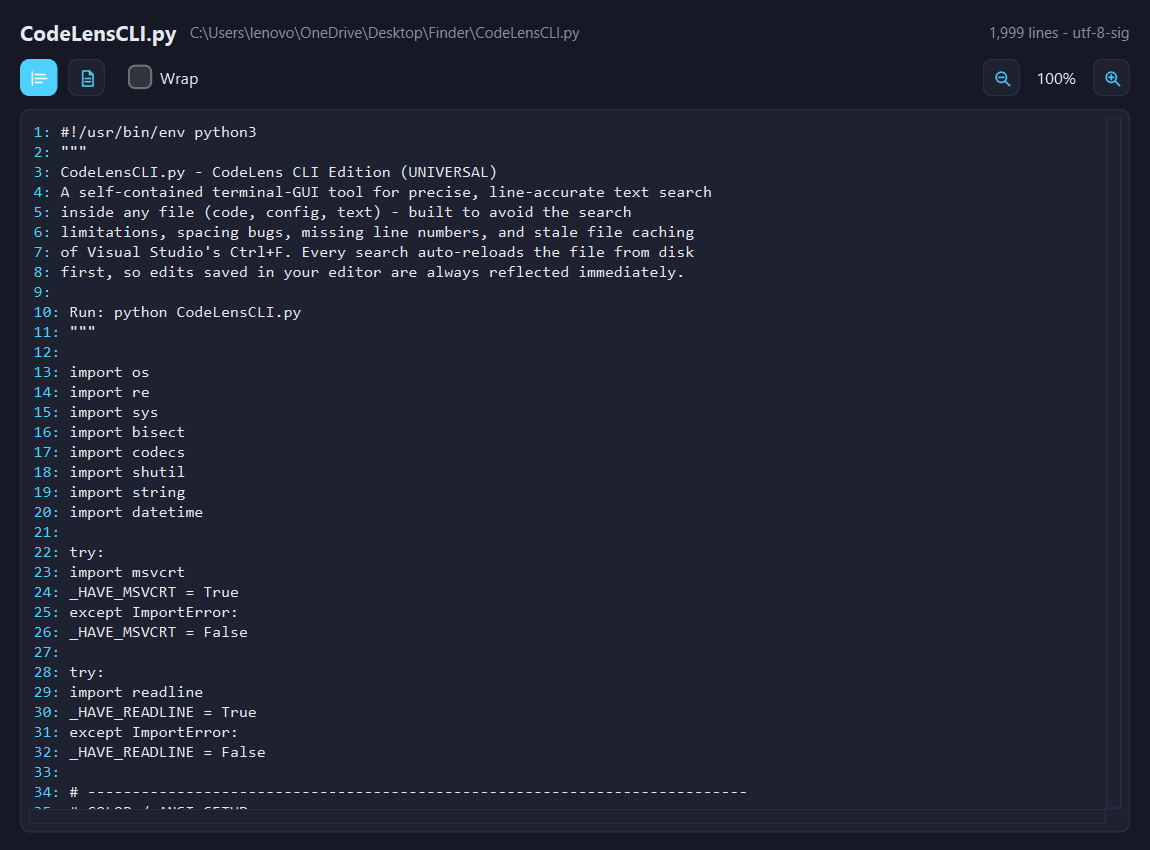
CodeLensCLI.py — terminal

python CodeLensCLI.py
  • Standard library only — colorama is used if present, otherwise raw ANSI.
  • Tab-completion, paste-and-go file loading, recursive filename search.
  • remove unloads files without touching disk; reset always warns before clearing state or everything.
  • Borders and menus re-measure the terminal's real width on every draw — no stale overflow in a resized window.

CodeLens.py — desktop

python CodeLens.py
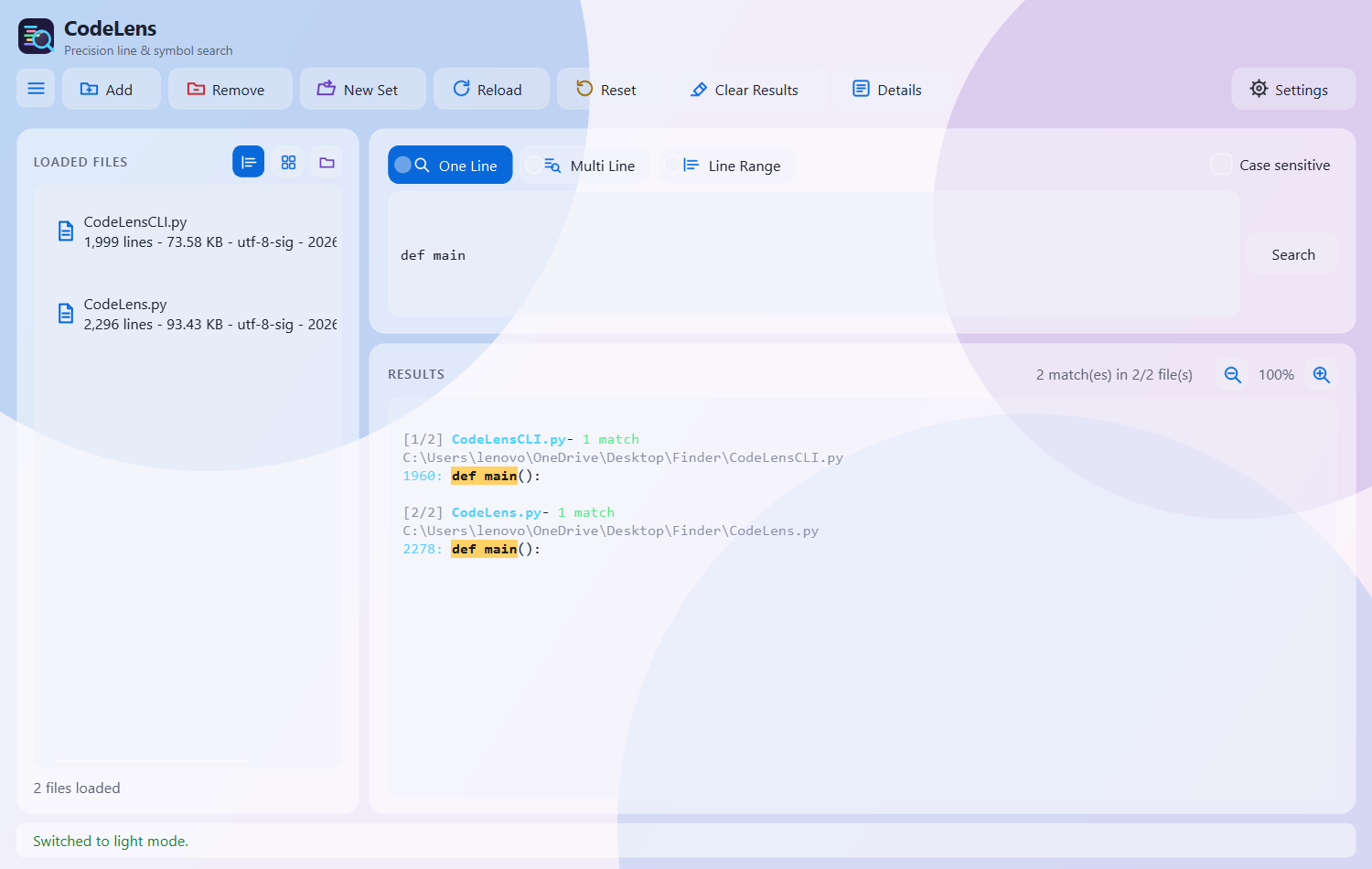
  • Glassmorphism UI with a theme & glass-effect toggle, both animated.
  • Custom accent-color picker, custom checkboxes, custom animated dialogs — no stock system chrome.
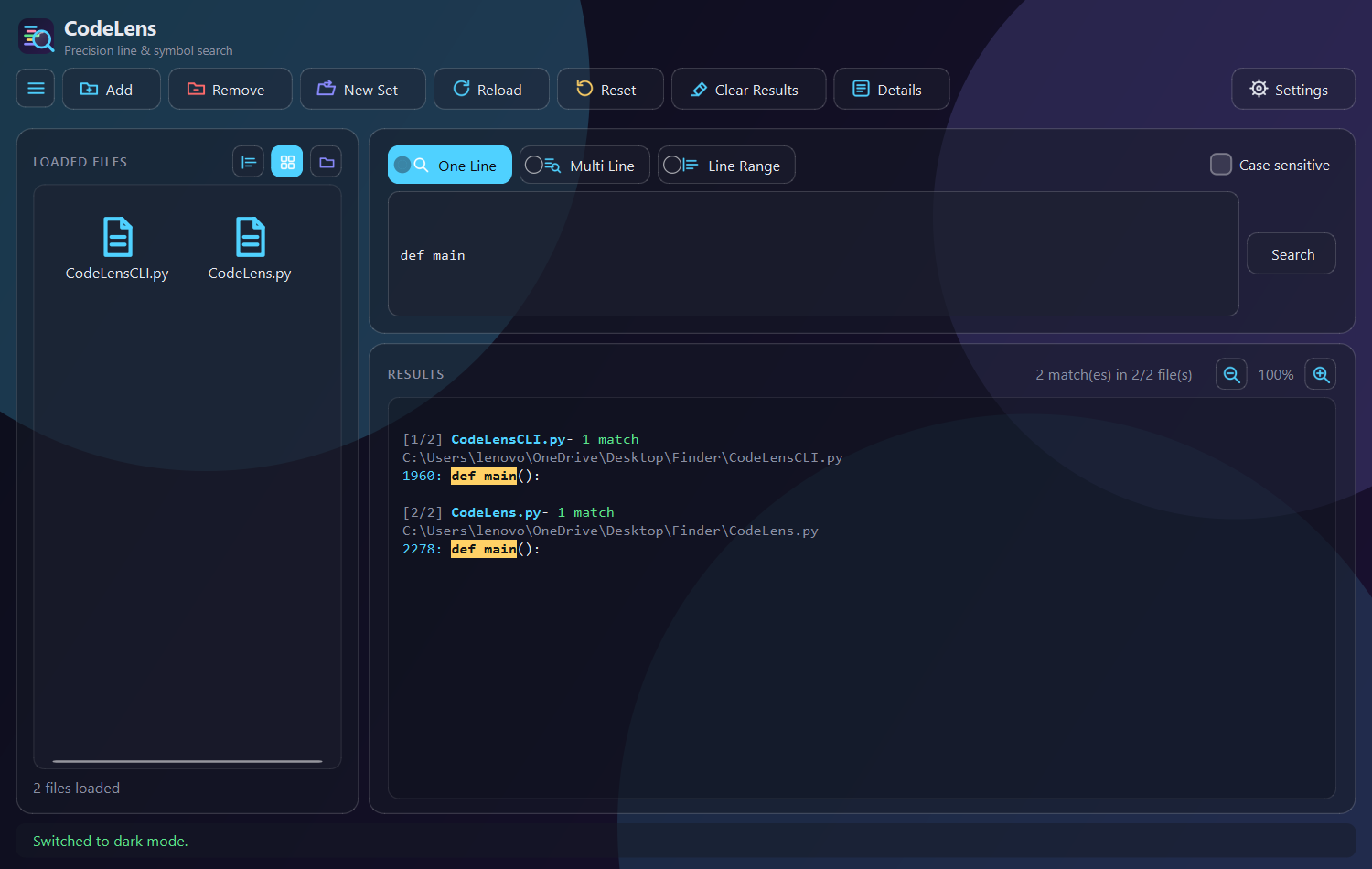
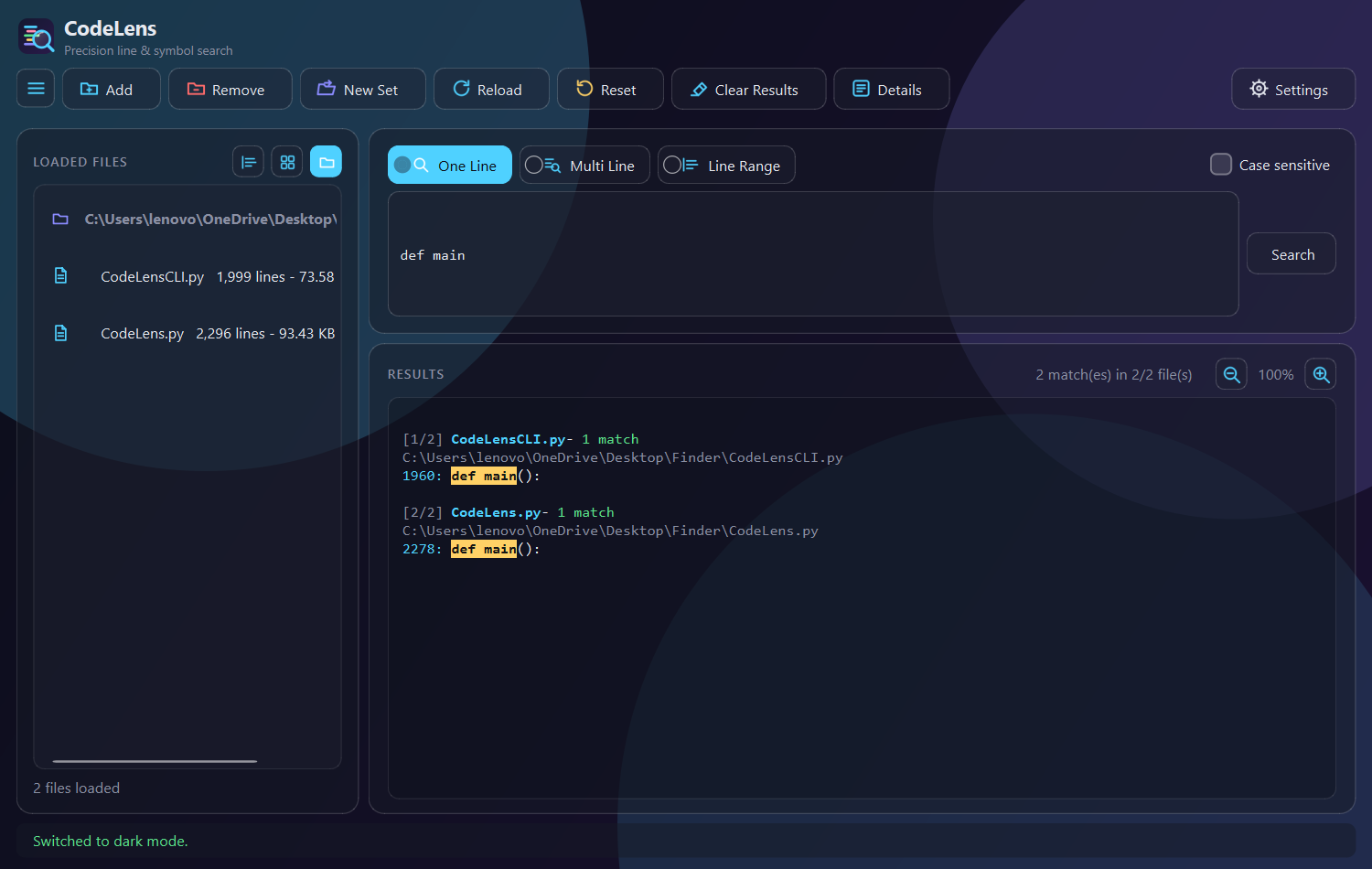
  • Drag & drop, three file-list views, a resizable preview window, zoom in/out.
  • Every shortcut is editable live and saved to shortcuts.json.
Search modes

Three ways to ask the same question.

Every loaded file is searched at once, grouped per file with match counts — and each search silently reloads any file that changed on disk since it was opened.

One line

Exact literal match

Case-sensitive or not. Include a comment in what you type if you need that exact commented line, and nothing else.

Multi line

Whitespace-insensitive snippet

Paste a block spanning any number of lines. Falls back automatically to a comment-stripped comparison if the plain match finds nothing.

Line range

Show exactly these lines

A specific start-end (or single line) from one loaded file, chunked automatically for very large ranges.

Desktop edition

Everything the glass app can do.

Theme + glass toggle

Dark/light and a frosted-glass look, both on by default, both crossfade when switched.

Custom accent picker

A hand-drawn glassy swatch grid plus hex entry — not the stock OS color dialog.

Custom dialogs & checkbox

Every confirm/info box fades and scales in, glass-matched — no native message boxes anywhere.

Three list views

Detail list, icon grid, or grouped by folder — files sharing a directory collapse into one section.

Drag & drop

Drop files anywhere on the window from Explorer to add them to the working set.

Preview + zoom

Double-click a file for a resizable Formatted/Raw viewer with independent wrap and zoom.

Hamburger explorer

Hide or show the file-list panel; it remembers its width when it comes back.

Resizable panes

Search and results split like a file explorer — drag the divider to resize either one.

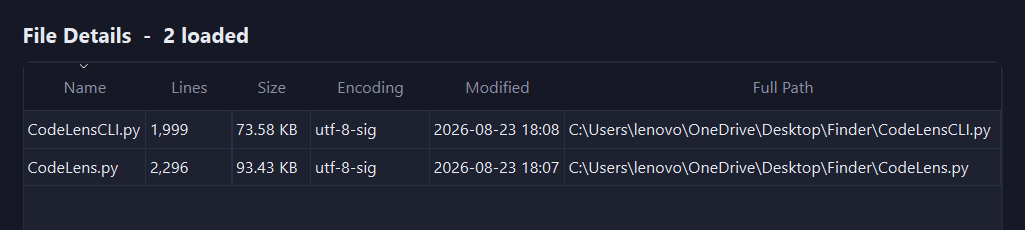
Full details table

A separate sortable window: lines, size, encoding, modified time, and full path per file.

Keyboard

Every shortcut, editable live.

Rebind any of these in Settings → Edit Shortcuts; changes persist to shortcuts.json.

ActionDefault
Run searchCtrl + Enter
Add file(s)Alt + A
Reload filesCtrl + R
ResetCtrl + Shift + R
Clear resultsShift + C
Toggle case sensitiveAlt + S
Zoom in (results / preview)Ctrl + +
Zoom outCtrl + –
Reset zoomCtrl + 0
Icon system

One shape, two palettes, one rescue set.

Every icon is a real vector under Assets/ — Qt loads SVG natively, no rasterizer needed. DarkModeIcons/ and LightModeIcons/ share filenames but not color; HoverIcons/ is a single white set used the instant a button's background turns solid, since a themed icon tinted for its resting state disappears against its own hover color.

Dark mode icons
Light mode icons
Getting started

Requirements & project layout.

CodeLensCLI.py     # terminal edition + shared engine
CodeLens.py        # PySide6 desktop edition
shortcuts.json      # saved shortcut overrides
Assets/
  DarkModeIcons/    # SVG icons, dark palette
  LightModeIcons/   # SVG icons, light palette
  HoverIcons/       # SVG icons, hover/checked state
  app_icon.svg      # window & brand icon

Desktop edition

Needs one package:

pip install PySide6

Terminal edition

No required third-party dependencies — colorama is used only if already present.